QR Code Payment Scams: How to Protect Your Business This Holiday Season
 www
·
·
7 min read
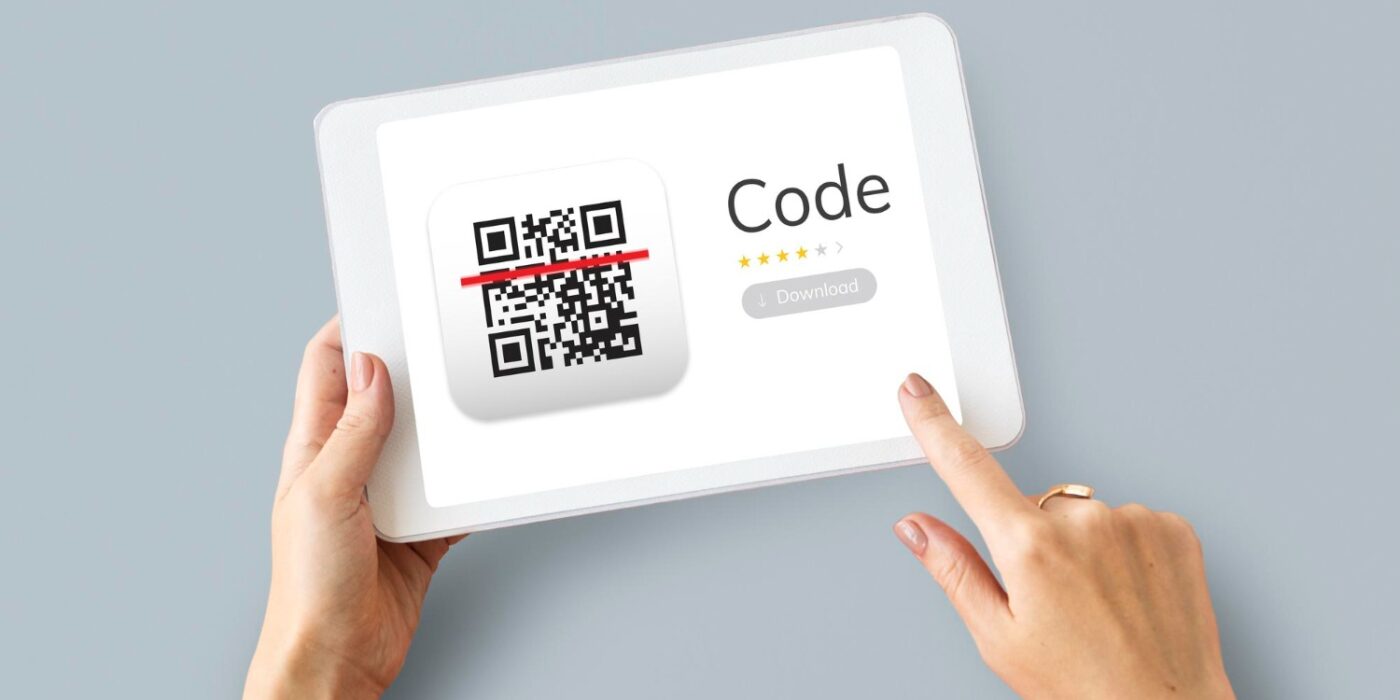
October is when the holiday rush starts to build: more bookings, more orders, more customers paying with their phones. It is also when fraudsters get busier. QR code payment scams work because a QR code hides its destination – nobody can read a web address by looking at a pattern of black and white squares. If your business takes payments by QR code, a little preparation now protects both your customers and your reputation before the busiest weeks of the year.
This guide explains how these scams usually work, the warning signs to look for, and the simple habits that keep your own codes trustworthy.
What Are QR Code Payment Scams?
A QR code is just a shortcut to a link. When someone scans it, their phone opens whatever address is encoded inside. That convenience is exactly what makes QR code payments so popular – we explain the full flow in our guide to QR code payments – but it also means a person can be sent somewhere they did not intend to go.
QR code payment scams (sometimes called “quishing”, a mix of QR and phishing) try to exploit that gap. Instead of a suspicious link in an email, the victim gets a code. Once scanned, it can lead to a fake checkout page built to collect card details, a login page that steals passwords, or a download that installs unwanted software.
Why QR Code Payment Scams Spike Around the Holidays
Seasonal shopping brings more payments, more parcel deliveries, and more people in a hurry. Scammers count on that pressure. A message about a “missed delivery” or a “problem with your order” feels plausible in November and December, and a rushed customer is less likely to stop and check where a QR code payment scams leads.
How QR Code Payment Scams Usually Work
The US Federal Trade Commission has warned consumers that scammers hide harmful links inside QR codes to steal personal information. Based on that guidance, the most common patterns fall into a few groups.
Stickers Placed Over a Real Code
One of the simplest tricks is physical: a fraudster prints their own code and sticks it over a legitimate one. The FTC mentions this happening on parking meters, but the same idea works anywhere a code is left in public – a counter display, a table card, or a poster in a shop window.
Codes in Unexpected Emails and Text Messages
Another approach is to send a code by email or text with an urgent story attached. According to the FTC, these messages often claim that a package could not be delivered, that a payment needs to be confirmed, or that there is suspicious activity on an account. The goal is to make the reader scan first and think later.
Fake Payment Requests
A variation targets customers who are already expecting to pay. If a client is waiting for a deposit request, a QR code payment scams that appears to come from your business may not raise any questions – which is why it matters that customers know how your genuine requests look.
Warning Signs Your Customers Should Know
You cannot control every code a customer scans, but you can help them spot the obvious red flags. Consider sharing a short checklist on your website or booking confirmation:
- Check the address before paying. Most phone cameras show a preview of the link. If the domain looks odd, misspelled, or unrelated to the business, do not continue.
- Be wary of urgency. A message demanding immediate payment to avoid a penalty or cancellation is a classic pressure tactic.
- Do not scan codes from unexpected messages. If a request looks real but was not expected, contact the business through a phone number or website you already know.
- Look for tampering. A sticker that sits on top of another code, or a code that looks freshly applied, deserves a second look.
- Keep your phone updated. The FTC also recommends updating your phone’s operating system and protecting accounts with strong passwords and multi-factor authentication.
How to Protect Your Business From QR Code Payment Scams
For merchants, the best defence is making your genuine codes easy to recognise and hard to swap. None of the steps below require new hardware or extra cost.
- Inspect your printed codes regularly. If a code is displayed at a counter, a market stall, or in a vehicle, check it at the start of each day and make sure nothing has been stuck over it.
- Show the code on your own screen when possible. A code displayed on your phone or tablet at the moment of payment is much harder to tamper with than a sheet left out all day.
- Tell customers what to expect. Let clients know how you send payment requests and what the checkout page looks like, so a fake request stands out.
- Send links only through channels you control. When you collect deposits remotely – something we cover in our guide for service businesses – use the same email address, phone number, or messaging account every time.
- Confirm the amount out loud. Before a customer pays in person, state the amount so they can compare it with what appears on their screen.
Why a Secure Checkout Page Matters
With PAY on QR, the customer pays on a checkout page hosted and secured by Stripe, which is PCI DSS Level 1 certified. Card details are entered on that page and are never seen or stored by the merchant. Funds settle directly to your own connected Stripe account, and PAY on QR never holds client money. That does not stop someone from printing a fake code, but it means the genuine flow is consistent – and consistency is what makes a fake one easier to notice.
Balancing Security and Convenience
None of this means QR codes are unsafe by nature. A card terminal can be skimmed and an invoice email can be forged; every payment method has its own risks. The difference is that QR code payment scams depend on customers not checking where a code leads, so a few clear habits on both sides remove most of the opportunity.
It is also worth reviewing your costs while you prepare for the season. Our breakdown of payment processing fees explains how the different fees on a card payment stack up, so you know exactly what you pay for each transaction.
QR Code Payment Scams: Frequently Asked Questions
What is quishing?
Quishing is phishing done through a QR code. Instead of clicking a suspicious link, the victim scans a code that leads to a fake website designed to steal card details, passwords, or other personal information.
How can I tell if a payment QR code is genuine?
Check the link preview your phone shows before opening it, make sure the domain matches the business, and be cautious of codes that arrive unexpectedly or come with urgent demands.
Can someone replace my printed QR code with a fake one?
Yes. A fraudster can stick a different code over yours. Inspect printed codes regularly, or show the code on your own phone or tablet at the moment of payment.
Does the merchant see the customer’s card details?
No. With PAY on QR the customer pays on a Stripe-hosted checkout page, and card details are never seen or stored by the merchant.
What should a customer do after scanning a suspicious code?
Do not enter any payment or login details. Contact the business through a phone number or website already known to be genuine, and follow the guidance of their bank if card details were entered.
The Bottom Line
The holiday season is a good time to sell more and a good time for fraudsters to try their luck. Keep your codes under your control, tell customers how your real payment requests look, and encourage them to check before they pay. If you want a simple way to take card, Apple Pay, and Google Pay payments without a terminal, you can create a free account and generate your first QR code in a few minutes.

Related articles
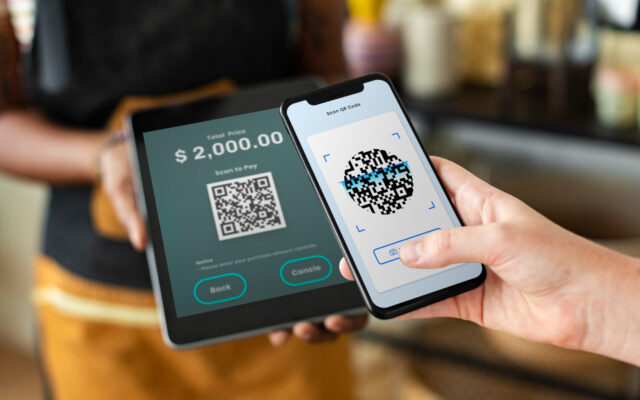
QR Code Payments for Service Businesses (Full Guide)
QR code payments for service businesses replace the terminal for deposits, no-shows, and remote payments. Here's how the setup actually…
Payment Processing Fees: Are You Overpaying in 2026?
Every card payment gets a slice taken off the top - but most owners have no idea if their rate…
QR Code Payments – Why They’re Replacing Card Readers
Card readers cost money, need charging, and break at the worst moment. Here's why small businesses are quietly switching to…