Guides
QR Code Payment Scams: How to Protect Your Business This Holiday Season
QR code payment scams target busy holiday shoppers. Learn how quishing works, the warning signs to spot, and simple steps…
PAY on QR turns your phone into a virtual POS terminal. No hardware, no waiting, no middleman – the money goes straight into your own Stripe account.

↳ payonqr.com
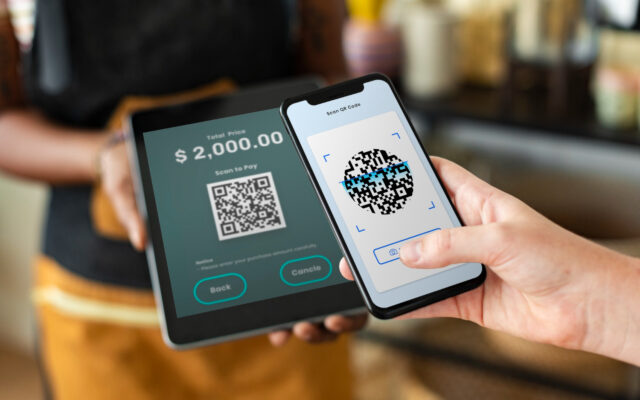
That’s a real QR code – the same kind your customers will see on your counter. Point your phone camera at it and see how effortless the experience is. No app, no typing, no waiting.
Point your smartphone camera at the QR code below to test a live. This is the exact, effortless payment flow your customers will see on your counter.
Create a free account with your business name and email.
Onboarding happens directly through Stripe – your money, your control.
Enter an amount, or use a saved service with a fixed price.
The customer scans and pays by card, Apple Pay, or Google Pay.
A keypad on your phone generates a QR code for any amount, in seconds.
Fixed-price QR codes for your services – print once, use forever.
A full payment log with partial or full refunds.
See at a glance which service brings in the most revenue.
Add staff with access to the POS, without access to your finances.
One click prints a clean QR sign for any service – put it on the counter and start taking payments.
Everything small business owners ask before switching to QR payments.
PAY on QR is a payment platform that lets small businesses accept card payments by displaying a QR code – no physical terminal required. Customers scan the code with their phone camera, pay by card, Apple Pay, or Google Pay, and the money goes directly into the business’s own Stripe account.
There’s no monthly subscription. PAY on QR charges a small percentage per successful payment: 1.5% for your first 10 payments, 1.2% for payments 11-20, and 1.0% from payment 21 onward – permanently, it never resets back up.
No. Your phone is the only hardware you need. You generate a QR code on screen, the customer scans it with their own phone camera, and completes the payment – PAY on QR turns your existing phone into a payment terminal.
No. Payments are processed through Stripe Connect, and funds go directly into your own Stripe account, not through PAY on QR. The platform only automatically deducts its small fee at the moment of each transaction.
Yes. Business owners can add staff accounts that can generate payments and view their own transaction history, without access to account settings, refunds, or the owner’s financial details.
Customers can pay with any major debit or credit card, Apple Pay, or Google Pay, directly from their phone’s browser – no app download required on their end.
Most businesses are ready to accept their first payment in under 2 minutes: sign up, connect a Stripe account, and generate your first QR code.
Yes. All payments are processed by Stripe, a PCI DSS Level 1 certified payment processor – the same standard used by large global platforms. PAY on QR never sees or stores your customers’ card details.
Last updated: July 2026
No monthly subscription. Your fee drops permanently as your total volume grows – it never resets.
QR code payment scams target busy holiday shoppers. Learn how quishing works, the warning signs to spot, and simple steps…
QR code payments for service businesses replace the terminal for deposits, no-shows, and remote payments. Here's how the setup actually…
Every card payment gets a slice taken off the top - but most owners have no idea if their rate…